Free Online Photo Editor: Complete Guide 2026
Discover the best free online photo editor. Crop, apply filters, adjust colors and remove noise directly in your browser — no installation, no watermarks, 100% private.
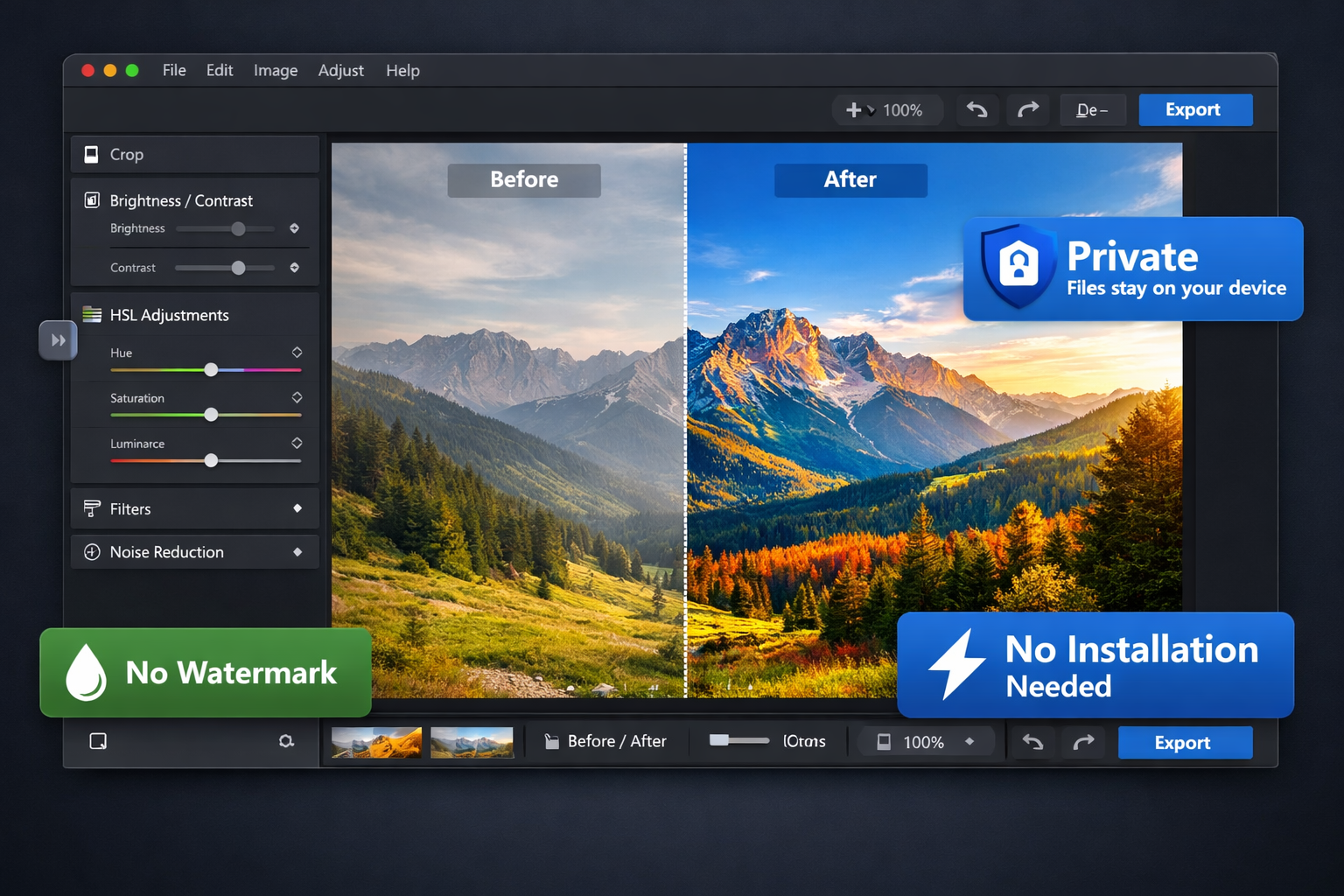
Table of Contents
What Is an Online Photo Editor?
An online photo editor is a tool that runs directly in your browser — Chrome, Firefox, Safari, or Edge — with no download or installation required. Open the website, import your photo, and start editing immediately.
PhotoEditor.Studio is a 100% free online photo editor that provides a complete editing toolkit — cropping, color adjustments, filters, noise reduction, and more — with one key difference: all processing happens on your own device, with no photos ever sent to any server.
That means real privacy, real speed, and zero cost — no matter how many photos you edit.
Why Use an Online Editor Instead of Desktop Software?
Most people don't need Photoshop. They need a tool that works right now, without the hassle. Here's why online editors make more sense for the vast majority of use cases:
- No installation, no updates: Open your browser and edit. No gigabytes to download, no time wasted waiting for updates.
- Works on any device: Desktop, laptop, tablet, or smartphone. If it has a browser, it has a photo editor.
- Genuinely free: No trial period, no "freemium" version that locks away essential features, no monthly subscription.
- No watermarks: A chronic problem with popular free tools. With PhotoEditor.Studio, you export clean files, every time.
- Real privacy: Your personal photos, documents, and business images don't need to be uploaded to some company's cloud server.
Key Features of PhotoEditor.Studio
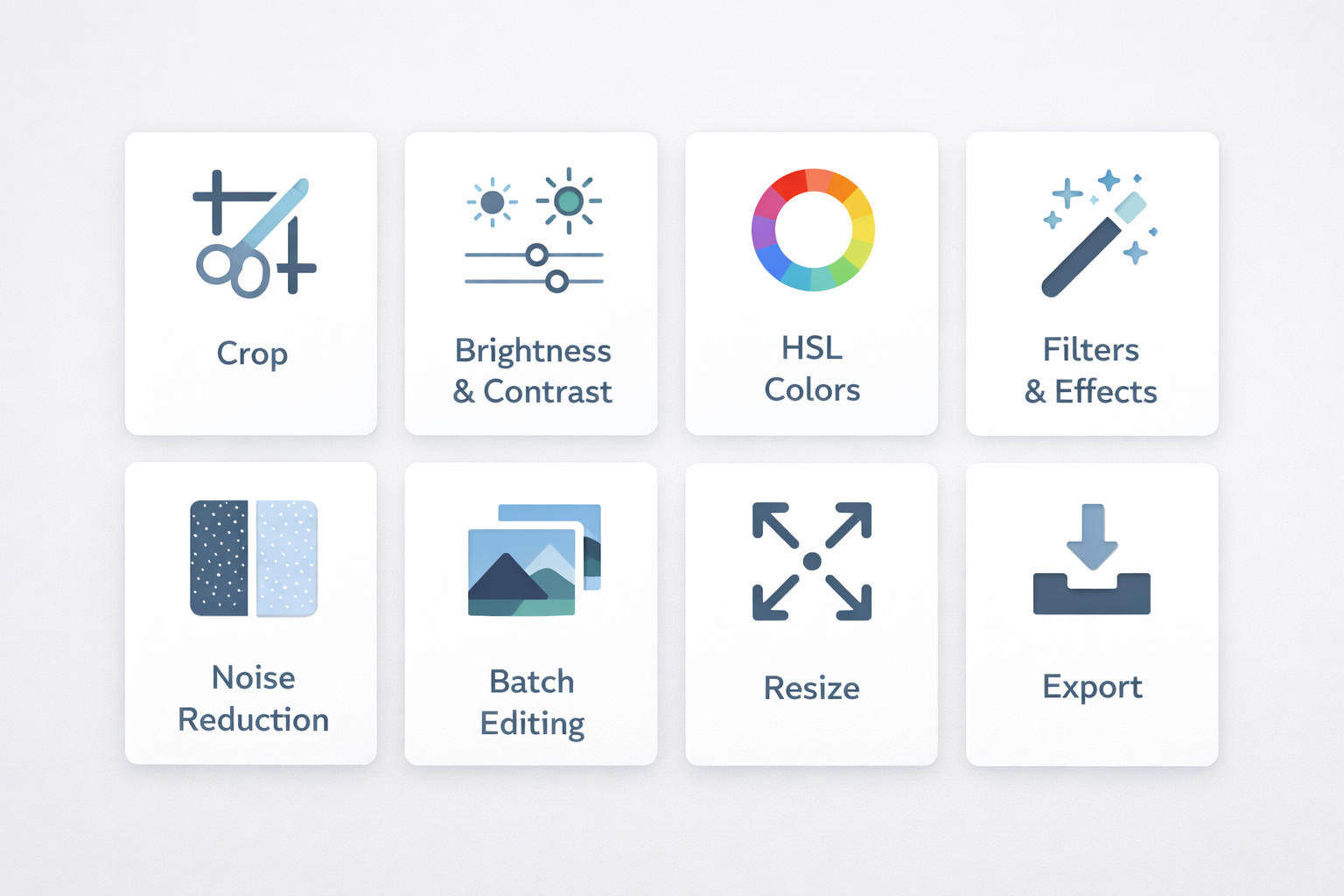
PhotoEditor.Studio's tool panel — everything you need in one place.
The editor provides a comprehensive set of professional editing tools:
Crop & Frame
Precisely crop your photo, set custom aspect ratios (1:1, 4:5, 9:16, 16:9) or use freeform cropping. Perfect for fitting photos to any social media platform or print format. Learn more in our complete guide on how to crop photos online.
Brightness, Contrast & Exposure
Fix dark, overexposed, or flat photos with intuitive sliders. Adjust overall exposure, lift shadows, and tame highlights in seconds.
HSL Panel — Color Control
The HSL (Hue, Saturation, Luminance) panel lets you adjust each color individually. Change just the blue in the sky without affecting the green of the trees. Boost faded colors or create entirely new palettes.
Saturation & Vibrance
Saturation intensifies all colors in the image. Vibrance is smarter: it primarily boosts the least saturated colors, preserving skin tones and avoiding the artificial over-processed look.
Filters & Effects
Apply preset filters with a single click: vintage, cinematic, black & white, sepia, cool tones, warm tones, and more. Each filter can be dialed up or down in intensity.
Noise Reduction (Denoise)
Removes digital grain from photos taken in low light, older smartphone cameras, or heavily compressed files. The result is a cleaner, smoother image without sacrificing important detail.
Vignette
Subtly darkens the edges of the image to draw the viewer's eye toward the center. Widely used in portrait and landscape photography to create focus and depth.
Film Grain Effect (Analog)
Adds gentle grain to simulate the aesthetic of analog film or classic cameras. Creates a vintage, artistic quality commonly used in fashion and lifestyle photography.
How to Use the Photo Editor: Step by Step
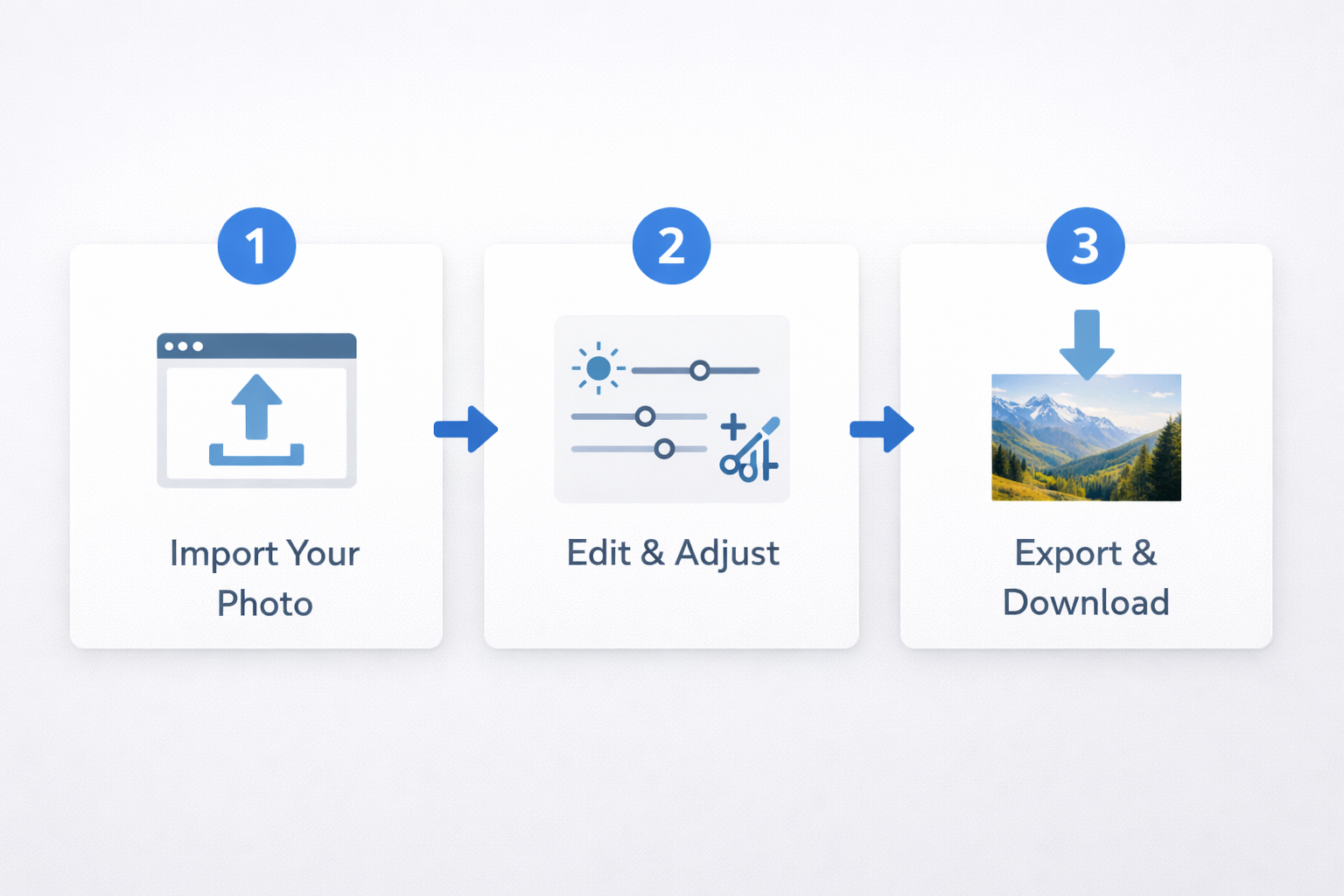
The process is straightforward and takes under a minute to get started:
Step 1: Import Your Photo
Go to PhotoEditor.Studio and import your image:
- Drag and drop your file directly onto the editor area
- Click "Select Images" to open your file browser
- Supports JPEG, PNG, WEBP, and GIF
Your photo opens on the main canvas at its full original resolution. No compression happens on import.
💡 Tip: Import multiple photos at once to use the batch editing mode.
Step 2: Choose and Adjust Your Tools
In the left-hand panel, you'll find all tools organized by category. Click any tool to activate it and use the sliders to dial in the intensity.
Every adjustment is reflected in real time on the canvas — no waiting, no rendering delay.
Step 3: Apply Filters (Optional)
For a quick visual style, switch to the filters tab and click any preset. You can layer filters on top of manual adjustments to achieve exactly the look you're after.
Step 4: Export Your Result
When you're happy with the result:
- Click "Export"
- Choose your format: JPEG (general photos), PNG (transparency), WEBP (web)
- The file downloads directly — no upload, no waiting, no watermark
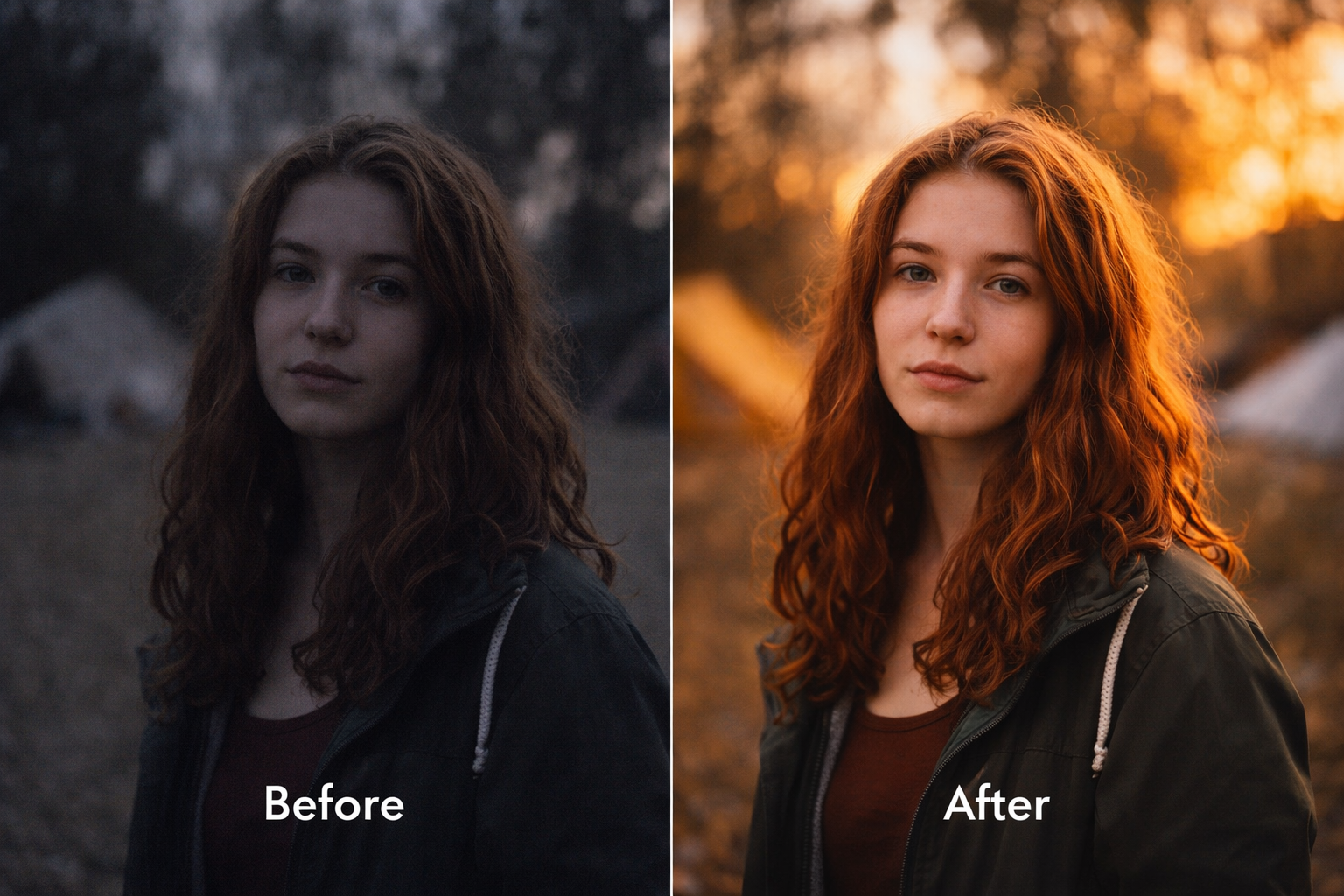
Before and after: the same editing workflow applied with exposure, color, and noise reduction tools.
Batch Editing: Process Dozens of Photos at Once
For photographers, e-commerce sellers, and content creators, editing photos one at a time is a massive bottleneck. PhotoEditor.Studio solves this with batch editing:
- Import multiple images at once (drag an entire folder)
- Configure your desired adjustments (crop, filter, brightness, etc.)
- Apply the settings across all selected images
- Export everything at once as a ZIP file
Practical use cases:
- Standardize 50 product photos to 1:1 square format for an online store
- Apply the same filter across an entire wedding or portrait session
- Convert images to WEBP to improve website load times
- Process ID or document photos with consistent dimensions and quality
All of this without paying for automation software or professional plan upgrades.
Privacy & Security: Your Photos Stay on Your Device
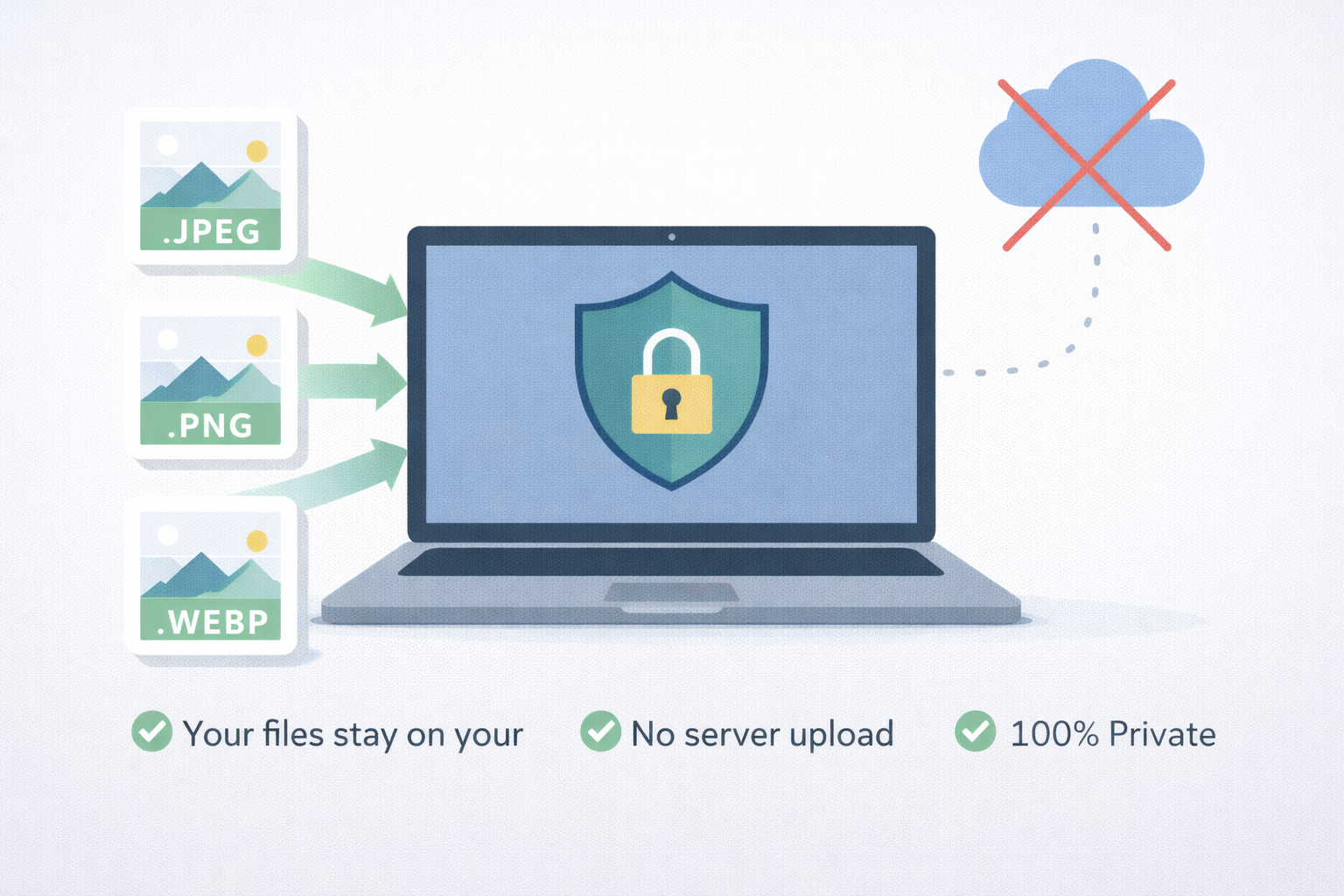
100% local processing: your photos never leave your computer.
This is what sets PhotoEditor.Studio apart from most online tools: your photos are never uploaded to any server.
When you import an image, it is loaded directly into your browser's memory using the HTML5 Canvas API. All processing — filters, color adjustments, noise reduction — runs on the CPU and GPU of your own device.
This has real practical implications:
- For personal use: Family photos, personal documents, medical records — none of it passes through a third-party server.
- For business: Pre-launch product photos, confidential marketing materials, contract images — fully secure.
- For photographers: Raw session files, unpublished work — zero risk of leaks before client delivery.
Technically: The editor uses Web Workers to handle heavy image processing without freezing the interface. The data never generates image cookies, server logs, or any form of external persistence.
Supported Image Formats
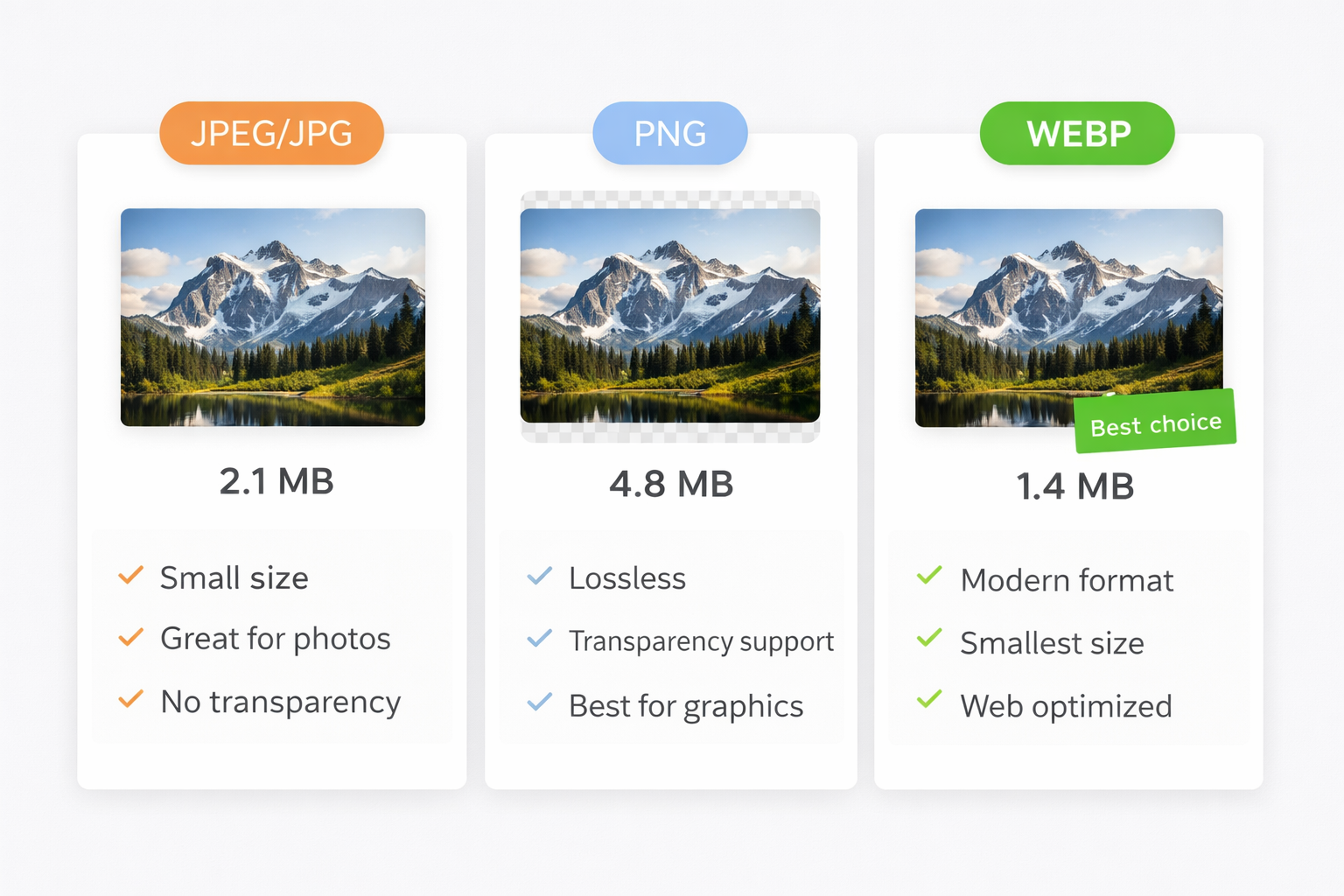
PhotoEditor.Studio accepts and exports the four main image formats:
| Format | Best For | Transparency | File Size |
|---|---|---|---|
| JPEG | Photos, social media, printing | No | Small |
| PNG | Logos, graphics, documents | Yes | Large |
| WEBP | Websites, e-commerce, web | Yes | Minimum |
| GIF | Simple icons, basic animations | Yes | Variable |
Recommendation: For most use cases in 2026, choose WEBP. It's the most modern format, supported by all current browsers, and produces files up to 30% smaller than JPEG at equivalent quality.
PhotoEditor.Studio vs Other Online Editors
| Feature | PhotoEditor.Studio | Canva | Fotor | Pixlr |
|---|---|---|---|---|
| 100% Free | ✅ Always | ⚠️ Limited | ⚠️ Limited | ⚠️ Limited |
| No Watermark | ✅ Always | ❌ Paid | ❌ Paid | ❌ Paid |
| Local Processing | ✅ Full | ❌ Server | ❌ Server | ❌ Server |
| Batch Editing | ✅ Unlimited | ⚠️ Paid | ❌ No | ⚠️ Limited |
| No Sign-up Required | ✅ None needed | ❌ Required | ❌ Required | ❌ Required |
| Browser-based | ✅ Yes | ✅ Yes | ✅ Yes | ✅ Yes |
| Noise Reduction | ✅ Included | ❌ No | ⚠️ Paid | ⚠️ Paid |
Frequently Asked Questions About the Photo Editor
Is it actually free? What's the catch?
There's no catch. PhotoEditor.Studio is free for all features, with no usage limits, no trial period, and no paid plan required to unlock anything. The service is supported by unobtrusive advertising that doesn't interfere with your editing experience.
Do I need to create an account or sign in?
No. Just open the website and start editing. No email, no registration, no password.
Are my photos stored on the platform?
No. Since all processing is local, no images are stored on our servers. When you close the browser, the images from your session are cleared from memory. Your photos remain exclusively on your device.
Does the editor work offline once loaded?
Partially. After the initial page load, most editing functions work offline since processing is local. An internet connection is required to load the editor for the first time.
What's the maximum image resolution supported?
The editor handles high-resolution images, including photos from professional cameras with 20+ megapixels. The practical limit depends on the available memory on your device.
Can I edit RAW files from DSLR cameras?
The editor currently supports JPEG, PNG, WEBP, and GIF. For RAW files (.CR2, .NEF, .ARW), we recommend converting to JPEG or TIFF before importing.
Does it work on iPhone and Android smartphones?
Yes. The site is responsive and works in modern mobile browsers on both iOS (Safari) and Android (Chrome). For very large images, we recommend a device with more available RAM.
Ready to Edit Your Photos — For Free?
PhotoEditor.Studio brings everything you need for professional-quality editing directly to your browser. No installation, no cost, no sending your photos to third-party servers.
Open Free Photo Editor →