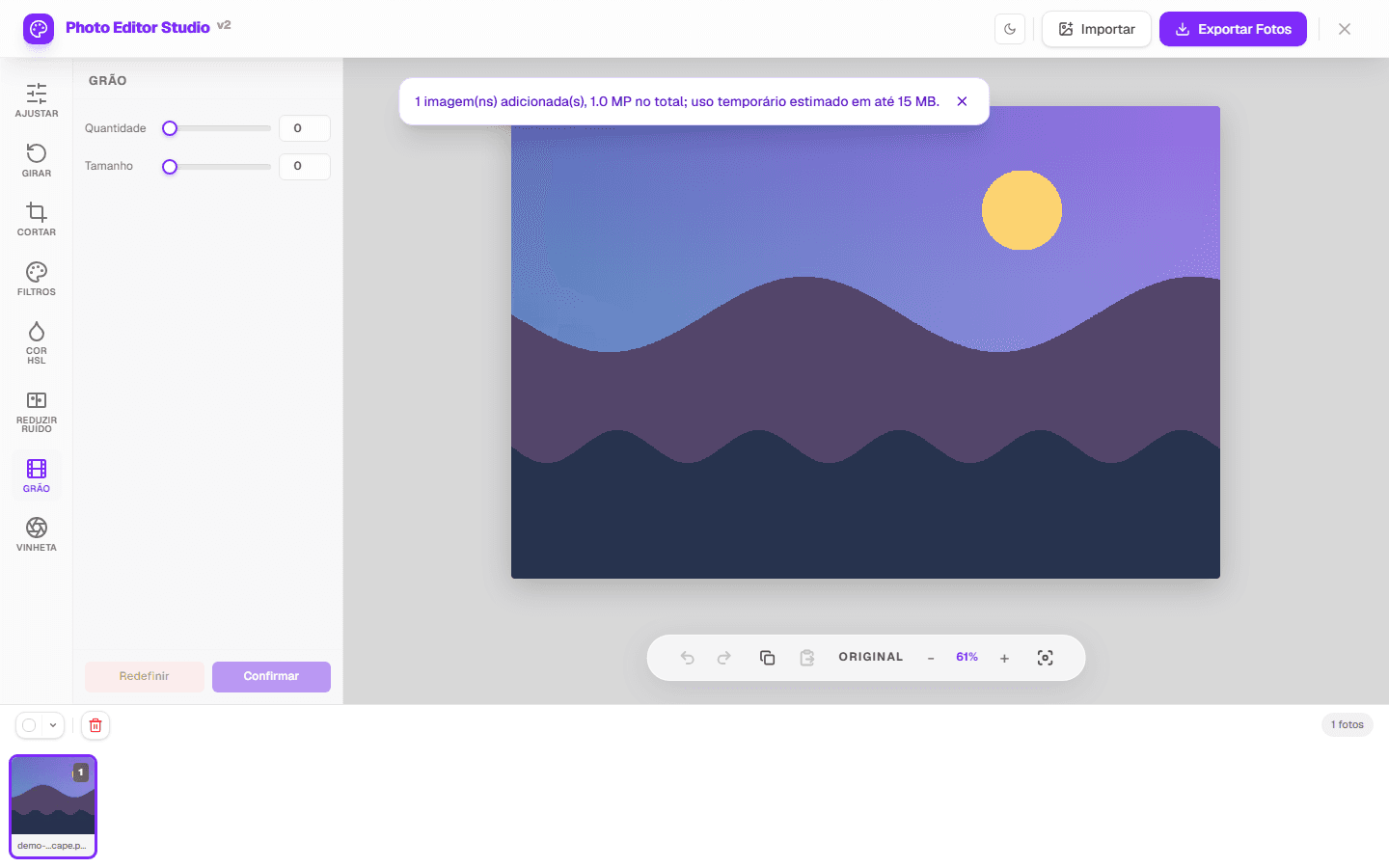
A digital analog effect can combine softer contrast, a color shift, synthetic grain, and vignette. The result is film-inspired; it does not reproduce a particular emulsion, camera, or chemical process.
Build the effect in visual layers
- Open the photo and balance exposure and color.
- Try a Filter preset as a starting point.
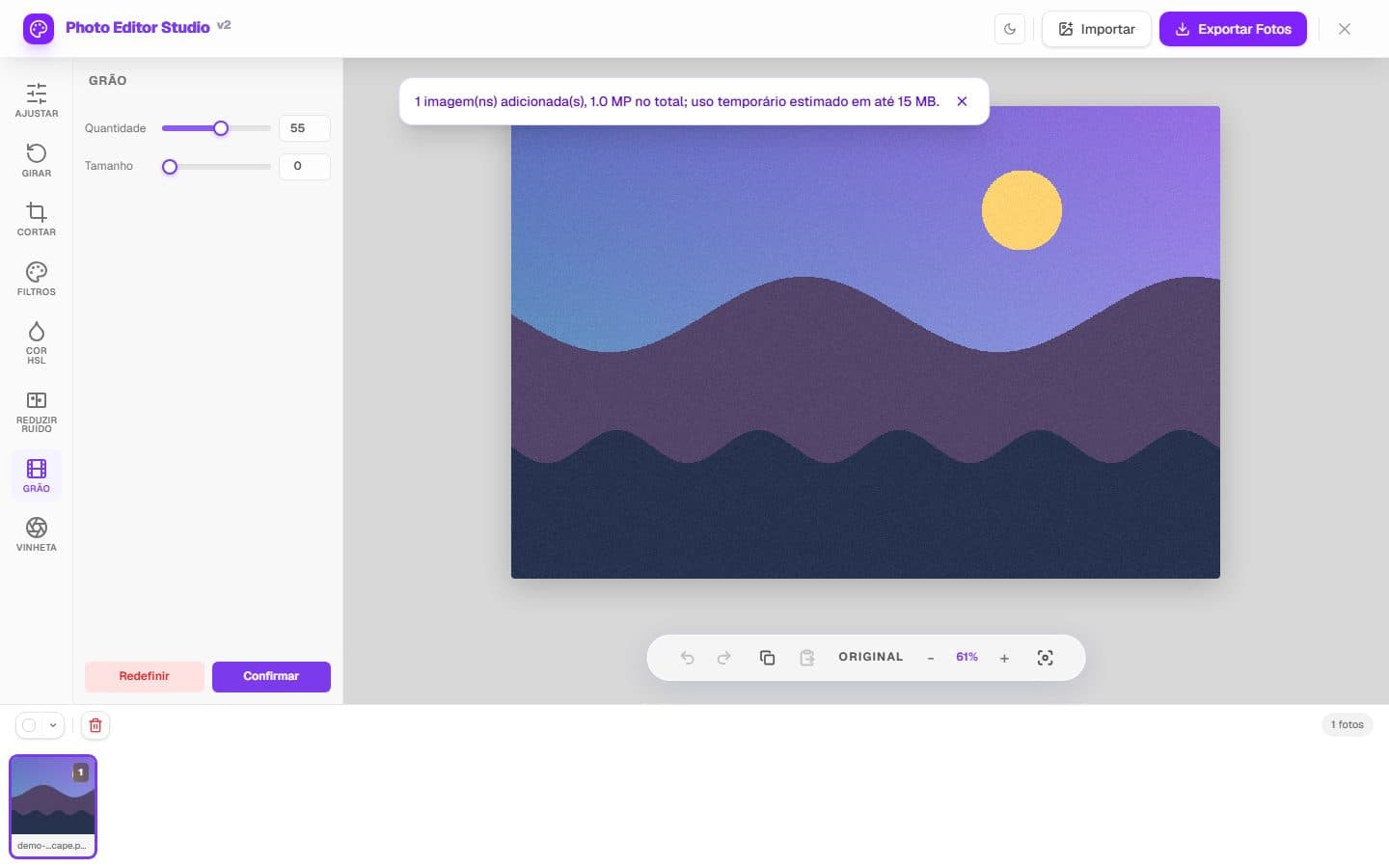
- Open Grain and raise it gradually while inspecting skin, sky, and shadows.
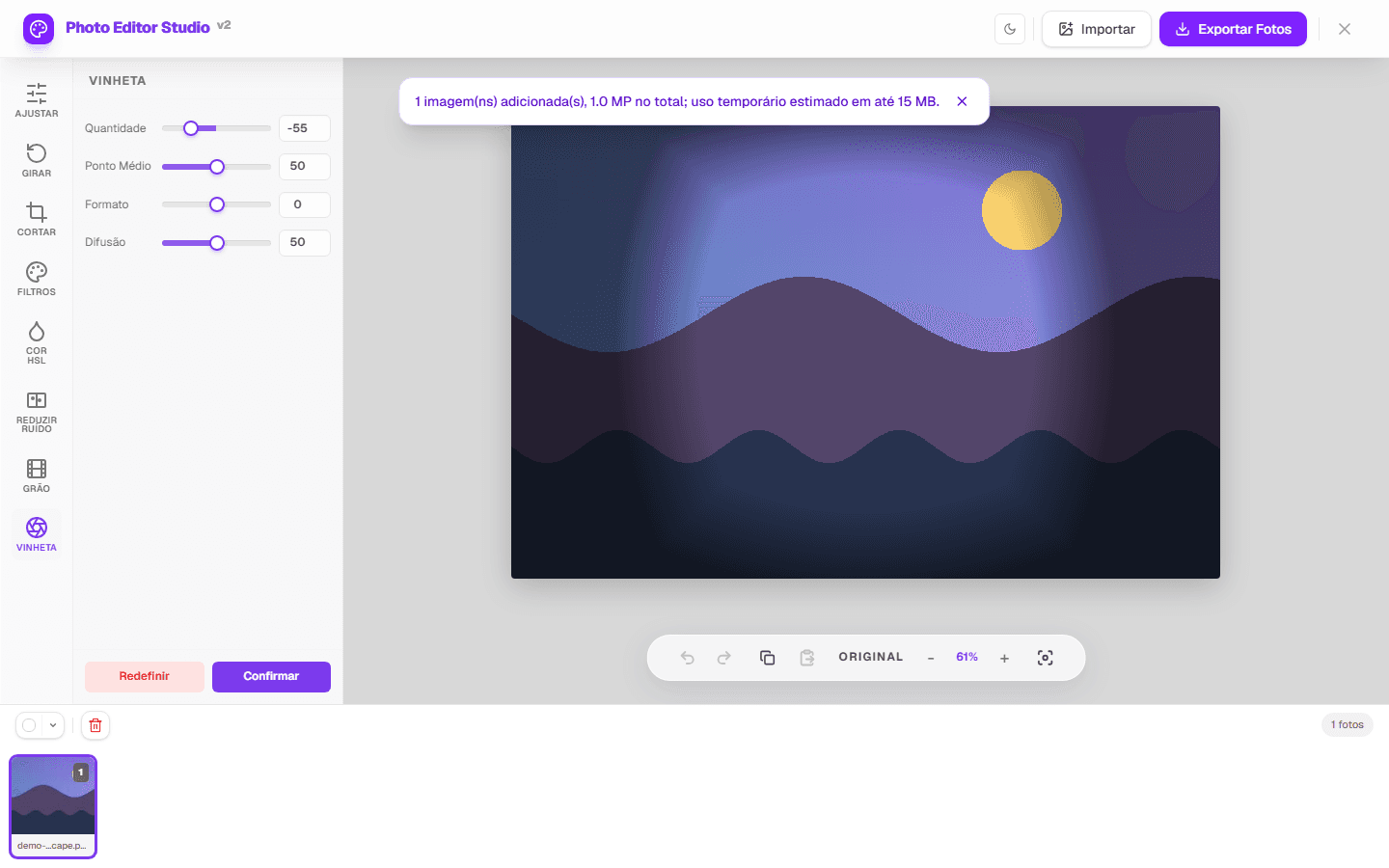
- Use Vignette moderately to darken edges.
- Compare with the original and export a copy.
Diagnosis
- If grain hides eyes, text, or texture, reduce its amount.
- If the vignette draws attention before the subject, it is too strong.
- If the filter removes tonal separation, restore contrast or choose another preset.
- Do not use commercial film names to promise a measured match.
Limits and verification
Grain is a synthetic raster effect; vignette is applied during processing, and filters are presets. There is no physical simulation of film, scanning, halation, or light leak. JPEG is re-encoded, and metadata may not be retained.
Tests confirm pixel changes and output formats. Grain and vignette captures are generated from the real interface with project-owned fixtures.
See the methodology or report a correction.