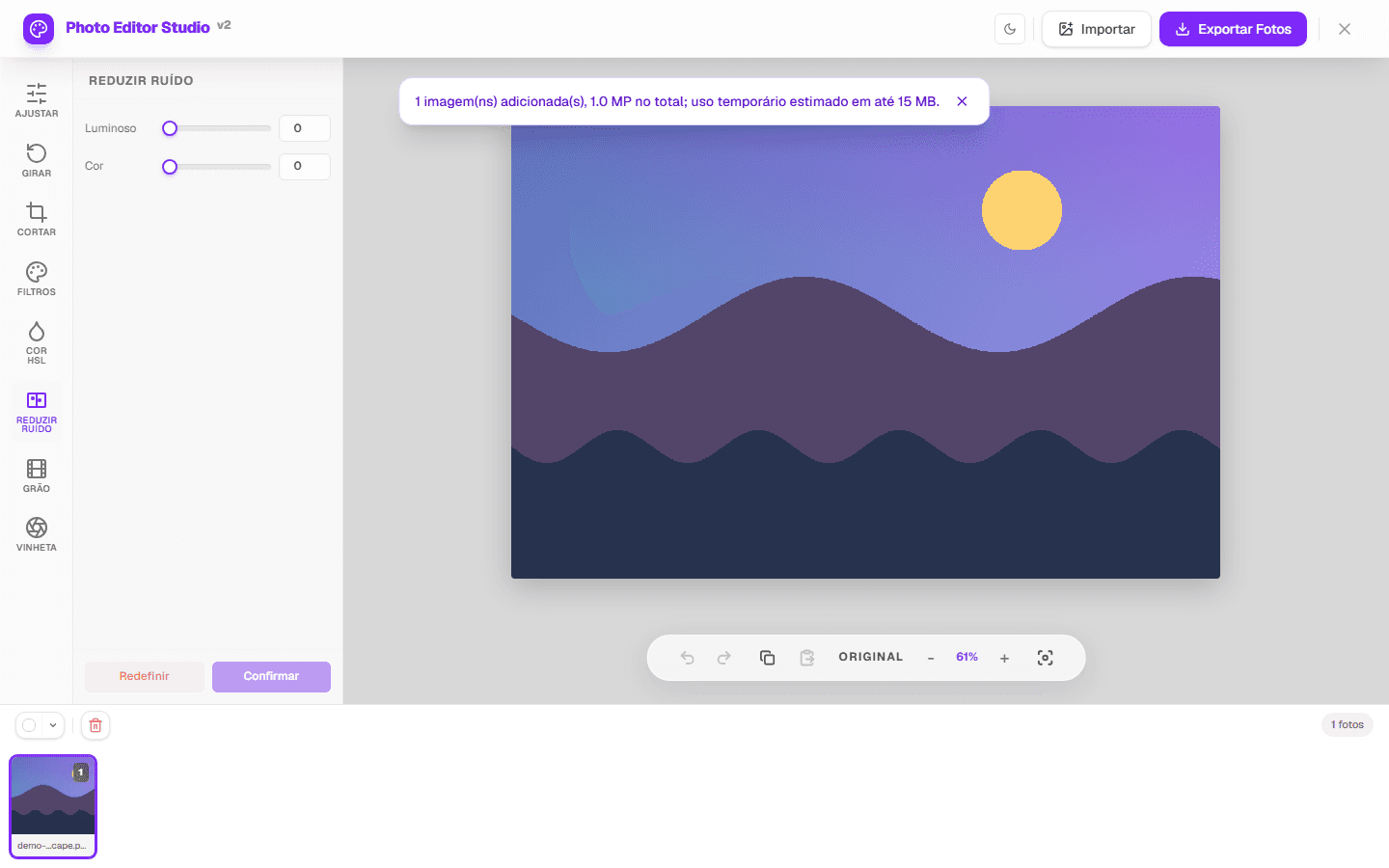
Reducing noise in a photo can soften luminance speckles and color blotches visible in dark or compressed images. PhotoEditor.Studio provides two simple controls — luminance noise and color noise — processed in the browser.
Luminance and color
Luminance noise appears as light and dark variation; color noise creates small colored specks. Before editing, inspect smooth areas and shadows while zoomed in. Deliberate grain and real texture are not necessarily defects.
A practical workflow
- Open a compatible image in the Reduce noise tool.
- Raise the control that matches the most visible noise first.
- Make small changes and inspect edges, hair, text, and texture.
- Compare with the original at more than one zoom level.
- Export a new copy when the smoother result justifies the lost detail.
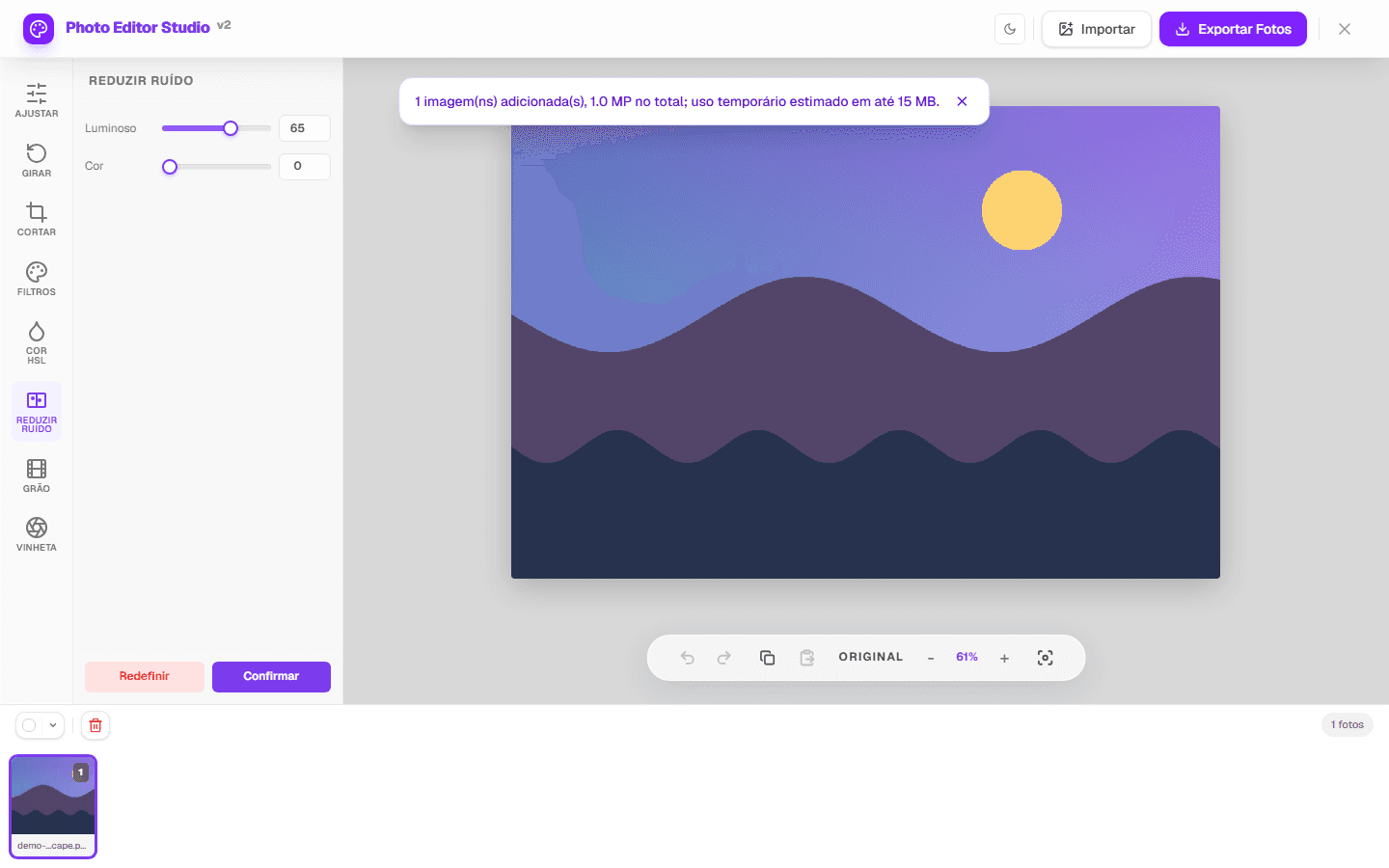
What to inspect
| Area | Expected improvement | Excess |
|---|---|---|
| Sky and walls | Fewer visible specks | Blotches or bands |
| Skin | Less visible noise | Plastic texture |
| Hair and leaves | Softer grain | Blurred detail |
What this filter does not do
- The algorithm uses a simple local 3×3 neighborhood; it is not AI noise reduction.
- Detail already missing from the capture is not reconstructed.
- High values also soften texture and edges.
- Performance and capacity depend on pixels, memory, browser, and device.
- Metadata such as EXIF may not be retained on export.
Automated tests confirm that the controls change pixels and that published output formats have valid signatures. The screenshot at the top comes from the real interface with a project-owned fixture.
Corrections: report discrepancies through the contact page and see the methodology.