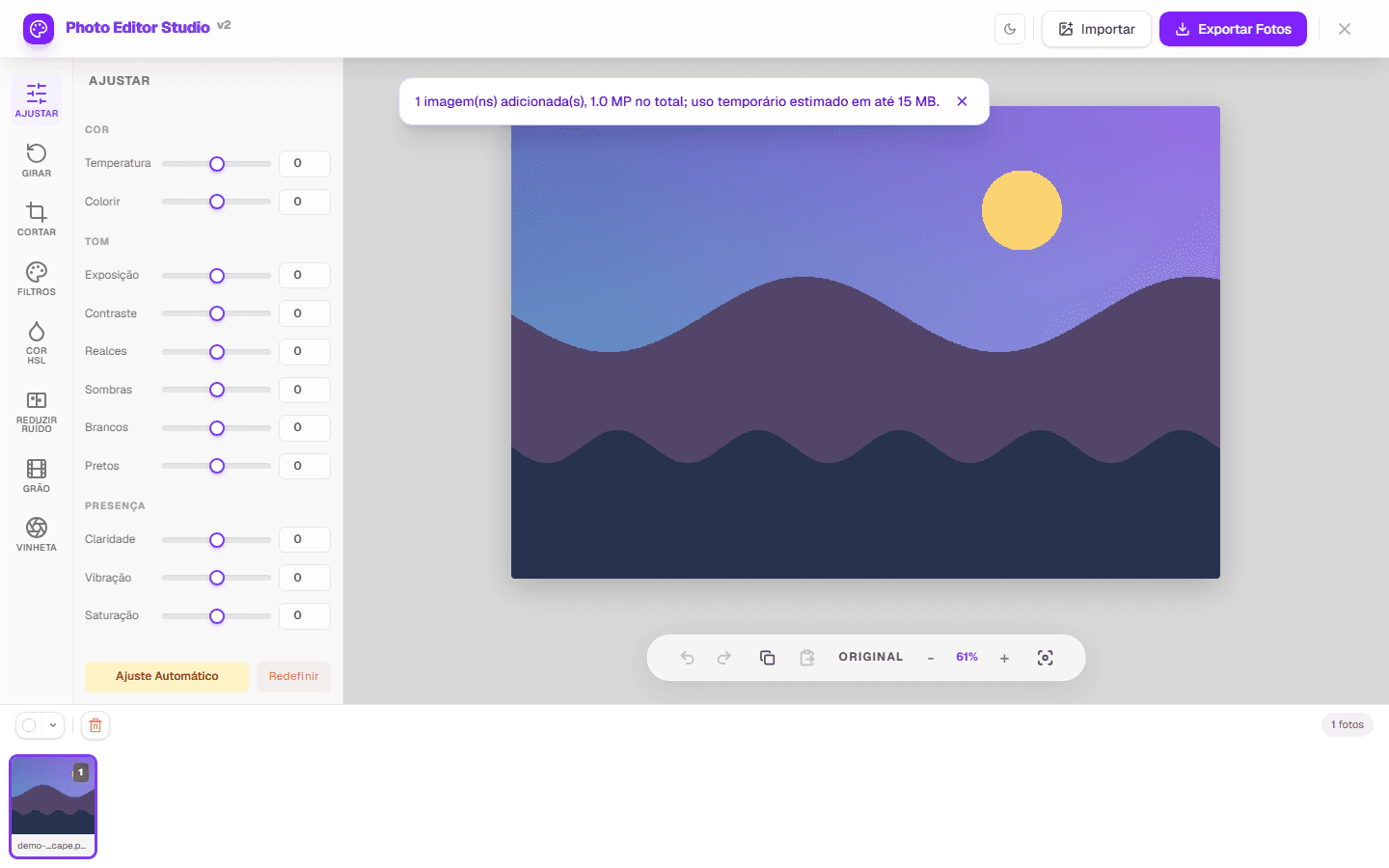
A browser editor can speed up simple JPEG or PNG corrections and delivery. It does not replace RAW development, layers, masks, calibration, or advanced library management.
A quick, controlled workflow
- Develop RAW in an appropriate tool and retain the original.
- Open the JPEG or PNG in the Photo editor.
- Correct rotation and crop, then adjust exposure, contrast, and color.
- Compare with the original and inspect highlights, shadows, and skin.
- Choose output format, quality, and dimensions without enlarging smaller files.
Where this workflow helps
- Quick previews, web images, and small series with similar lighting.
- Ratio crop, rotation, filters, HSL ranges, simple noise reduction, grain, and vignette.
- Multi-image ZIP export within device capacity.
When to use another tool
RAW development, layers, subject masks, local retouching, soft proofing, advanced ICC profiles, and strict metadata retention require another workflow. PhotoEditor.Studio processes pixels in the browser, but EXIF and color profiles may not remain in output.
Project tests verify pixels, dimensions, transparency, formats, and batch behavior. The top capture comes from the real interface.
See the methodology or submit a correction.