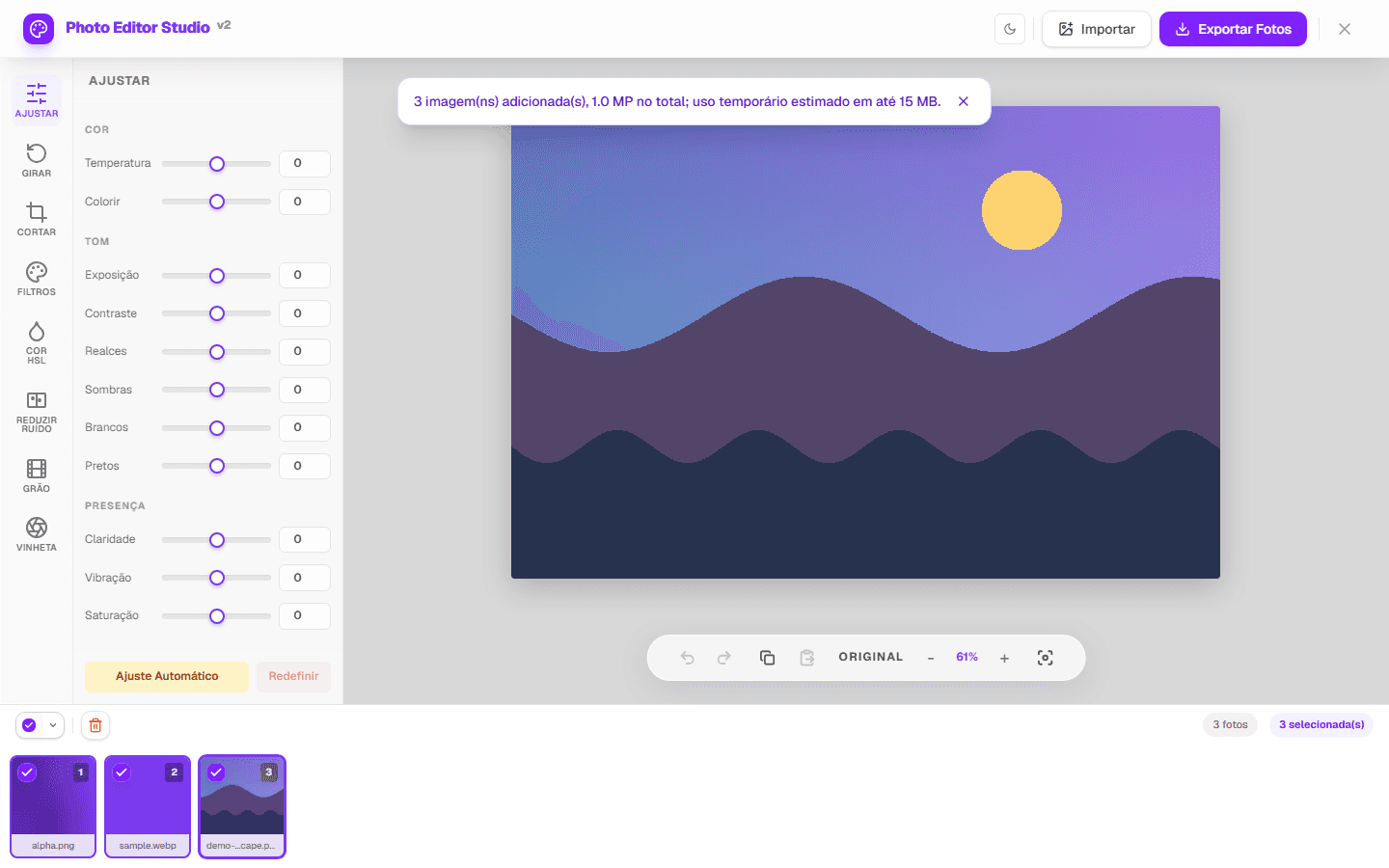
Batch photo editing online reduces repeated steps when several images need a similar base. In PhotoEditor.Studio, you can load multiple files, select all or part of the gallery, apply supported adjustments, review exceptions, and export multiple results in a ZIP generated in the browser.
Before applying the same adjustment to several photos
A batch works best when images have similar lighting and purpose. Photos from one product or session may accept a shared base; files made in different environments usually need individual review.
- Separate a small, representative set before loading an entire library.
- Use distinct filenames to make post-export checks easier.
- Include one brighter and one darker image to test the base against exceptions.
- Keep the originals: export creates new files and may re-encode pixels.
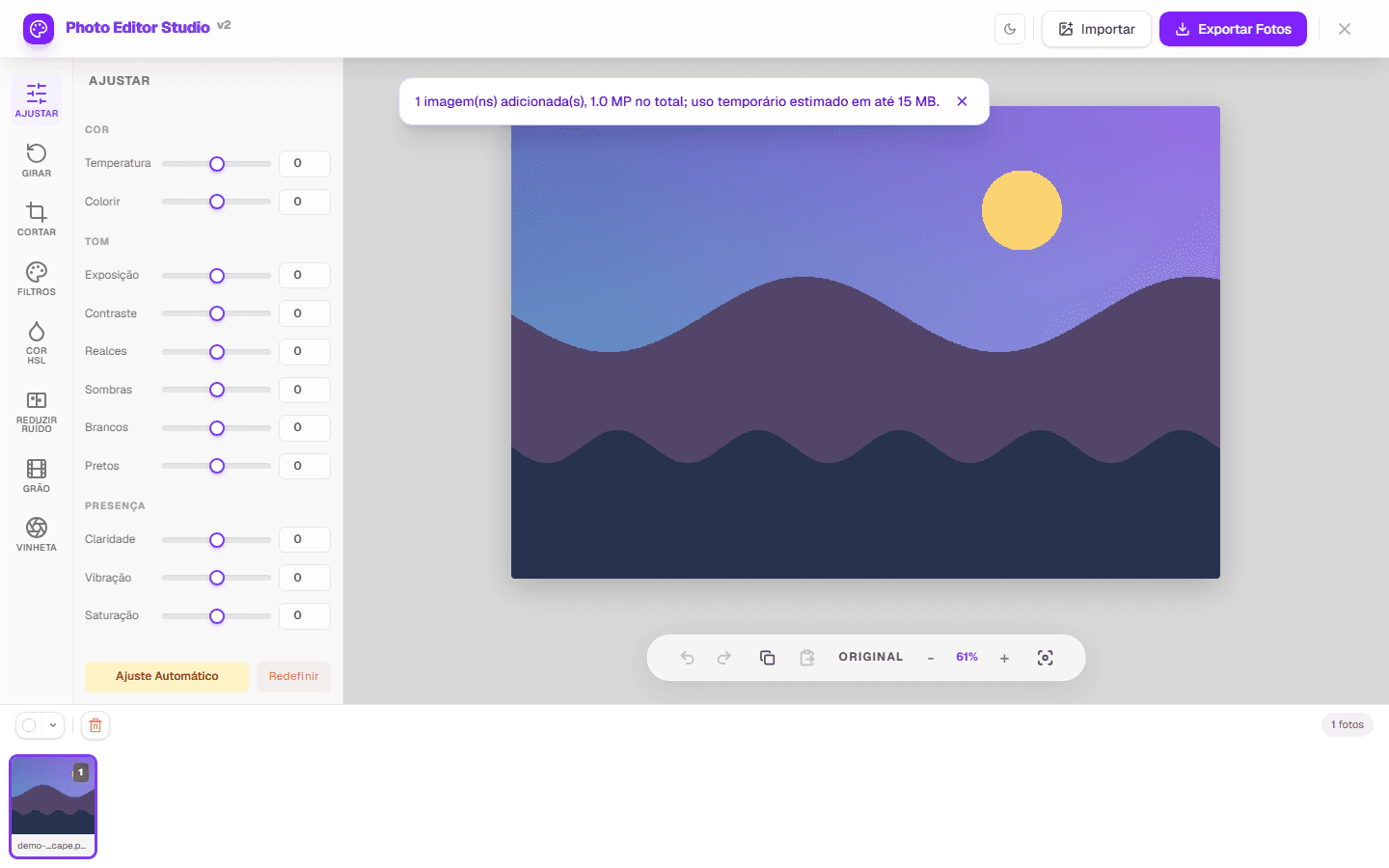
The actual selection, adjustment, and review workflow
- Load the images. The picker accepts JPEG and PNG; WEBP is accepted when the browser can decode it. Other conditional formats should not be treated as universal.
- Choose the set. Use the gallery selectors to work with all, edited, unedited, or specific files.
- Calibrate a reference. Adjust one representative photo and compare it with the original.
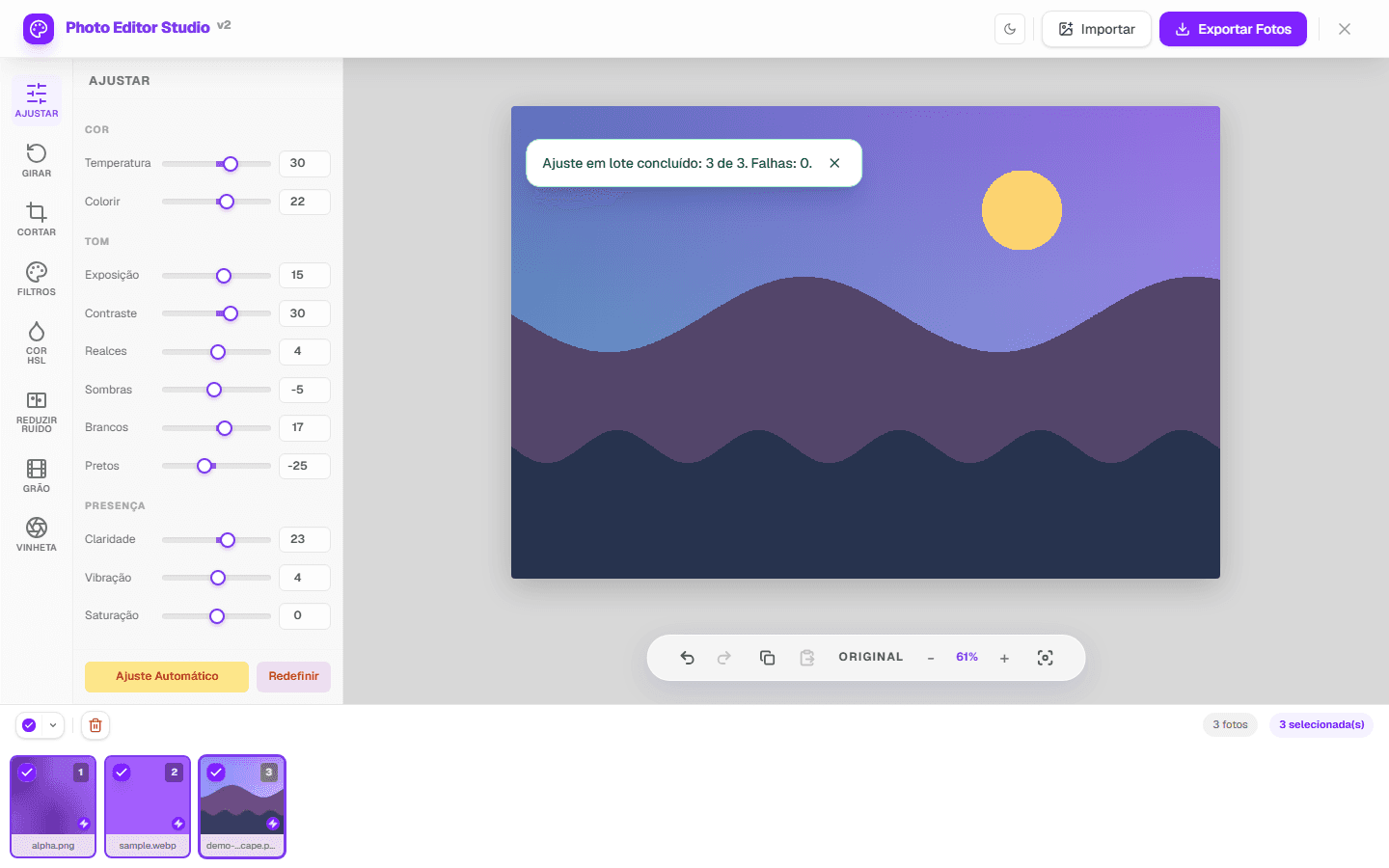
- Share a base. Copy settings or run automatic adjustment for the selected images.
- Review thumbnails and the central image. Open exceptions and correct them individually when lighting or framing differs.
“Batch” does not mean every feature produces an appropriate result without inspection. Automatic adjustment calculates values per image; copied settings repeat the same base. Visual review remains necessary in both cases.
| Decision | When it helps | What to review |
|---|---|---|
| Copy settings | Same session and similar light | Clipping, color, and contrast per file |
| Automatic adjustment | Per-image starting point | Skin, highlights, and shadows |
| Resize output | Standardize web images | Aspect ratio and prevent-enlargement option |
| One format setting | Files with the same destination | Transparency, compatibility, and size |
How ZIP export works
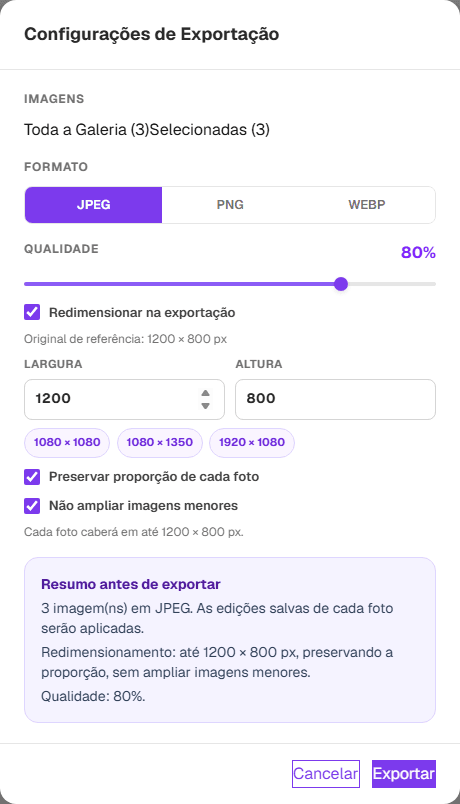
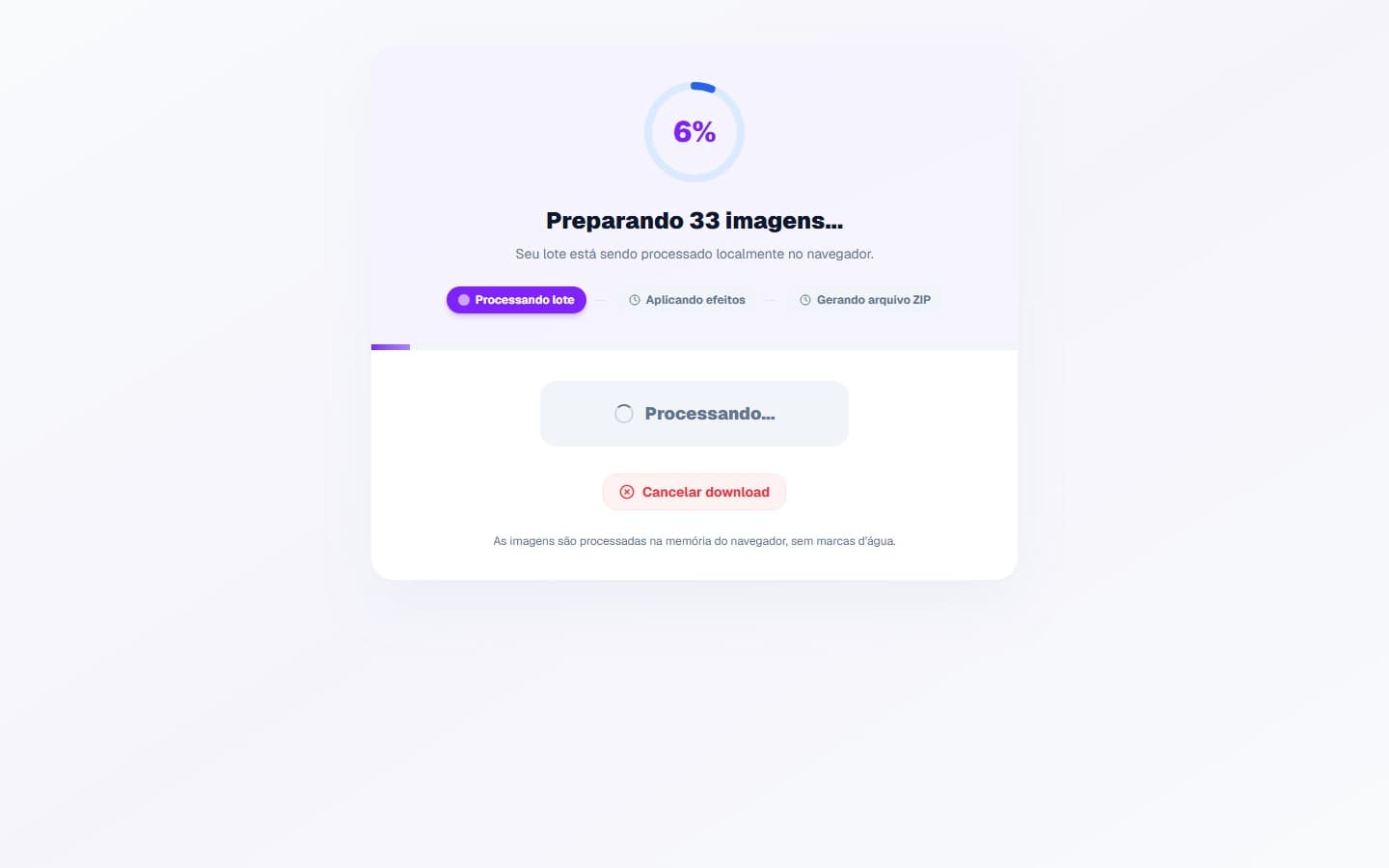
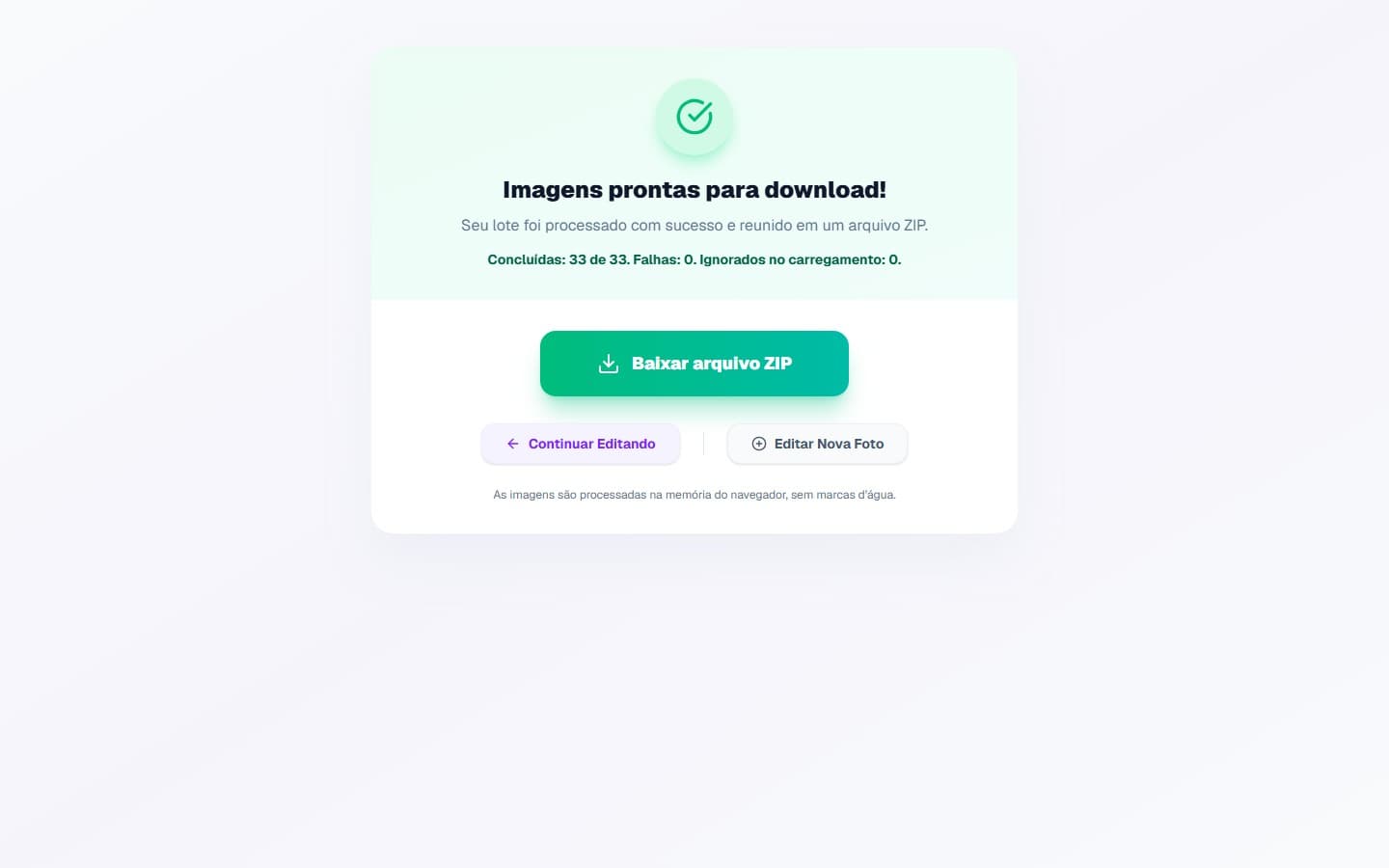
In the export dialog, choose JPEG or PNG; WEBP output appears only when the browser supports encoding. You can also set maximum dimensions, preserve aspect ratio, and prevent smaller images from being enlarged. Each file is processed and the group results are packaged locally.
The interface shows progress and then a completed/failed summary. If only part of the batch fails, the flow can retry those files alone. Batches that exceed the browser's preventive budget need to be divided before upload.
Capacity, privacy, and current limits
- No universal image count is guaranteed. The preventive budget considers decoded pixels; memory, storage, and browser also matter.
- Processing is queued in workers; speed depends on the images and device.
- Images are not sent to the application server for editing or ZIP creation. The page may still access site services and dependencies.
- Animated GIF is handled as a static image; GIF and BMP are not output formats.
- EXIF, orientation, and color-profile retention are not guaranteed.
- A shared crop must be checked against each composition; people and objects are not recognized automatically.
The automated suite covers batches of 1, 10, and 50 small or medium images, mixed input files, file signatures inside ZIP output, cancellation, partial failure, and retry. These scenarios are regression evidence, not a maximum promised for every device.