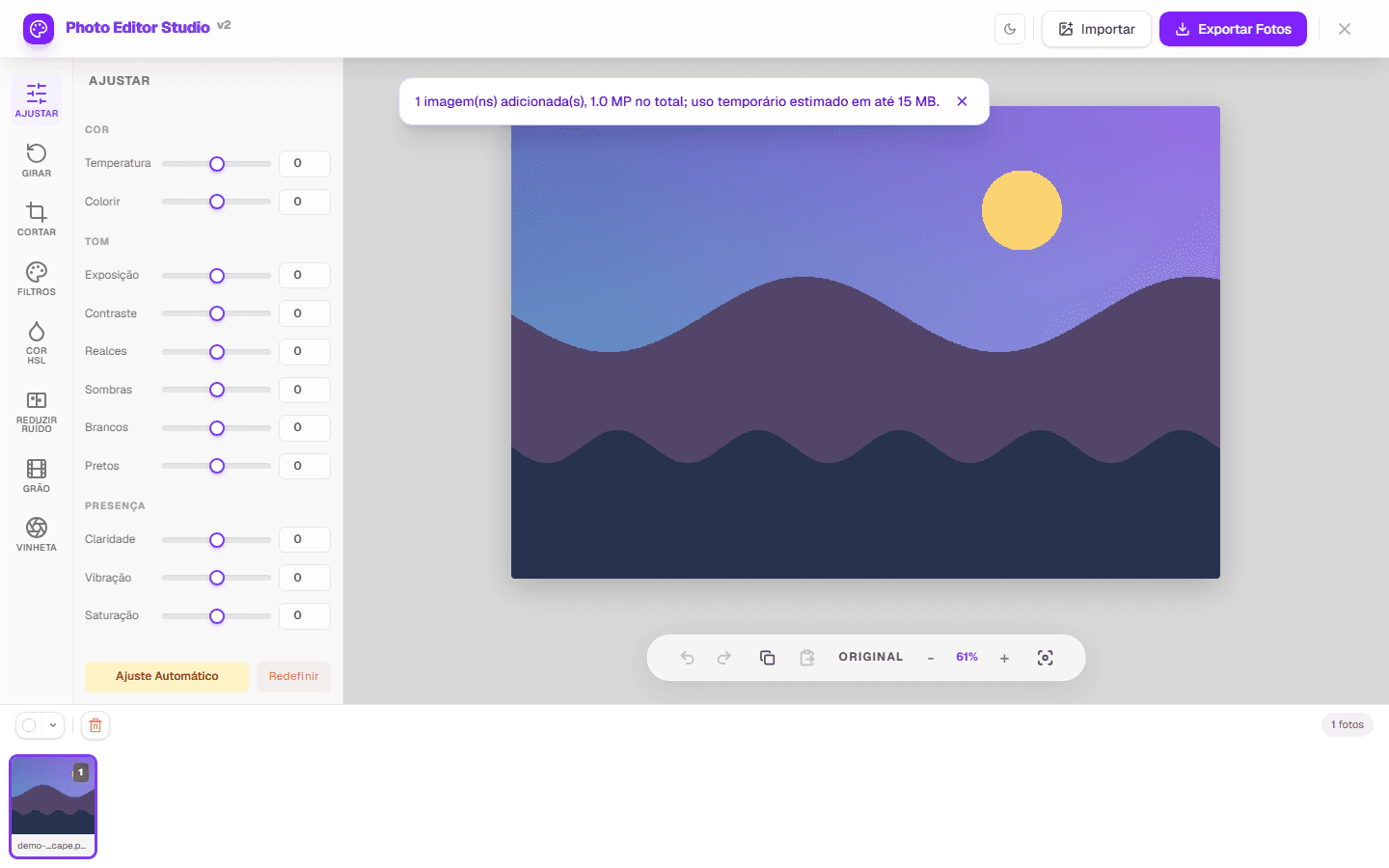
An online photo editor suits quick correction, cropping, or web preparation without installing an app. This guide explains what PhotoEditor.Studio does today, how to choose the right tool, and which limits matter.
Choose a workflow by task
| Need | Tool | Important limit |
|---|---|---|
| Light and color | Adjustments and HSL | No object mask or advanced ICC workflow |
| Composition | Crop and rotate | Crop removes pixels |
| Several images | Batch | Capacity depends on pixels and memory |
| Visible grain | Noise reduction | Simple filter, no AI reconstruction |
A safe working sequence
- Retain the original and open a compatible copy.
- Correct rotation and crop before fine adjustments.
- Set exposure and contrast, then refine color, filters, and effects.
- Compare with the original and inspect the central image at a useful zoom.
- Export JPEG, PNG, or WEBP output when the browser supports it.
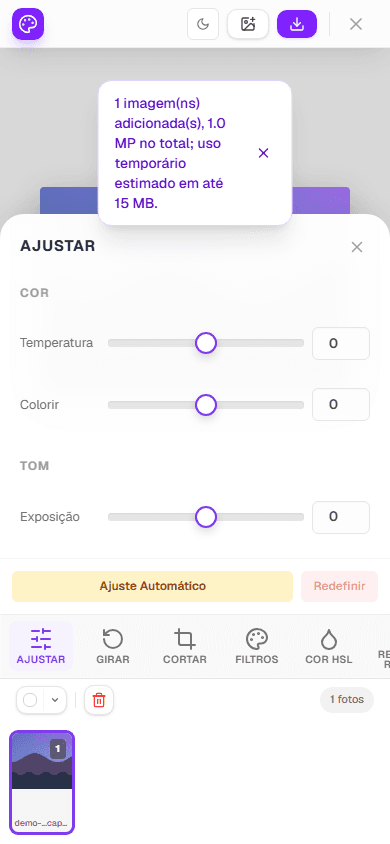
Formats, privacy, and capacity
JPEG and PNG have verified input and output paths. WEBP output appears only when the browser supports encoding. Animated GIF becomes static; GIF and BMP are not outputs. The JPEG, PNG and WEBP comparison shows the same image in all three formats, with bytes and measured RGB difference. Pixel processing and ZIP creation happen in the browser without sending the photo to the application server; the page may still access site services and dependencies. The local processing map details that path and the external connections involved.
There is no universal file count or guaranteed size. Images are decoded into memory, and the preventive budget considers pixels. For advanced RAW, layers, semantic selection, or color management, use software designed for that workflow.
How behavior is verified
The factual matrix derives from code and tests with project-owned fixtures. Tests cover pixel changes, crop, rotation, transparency, formats, batch, ZIP, cancellation, and partial failure. Published captures are reproduced by an automated script against the real interface.